24/7 Customer Service:

Phone Icon

(63) 917 180-USSC (8772)

U Money logo
U MONEY APP

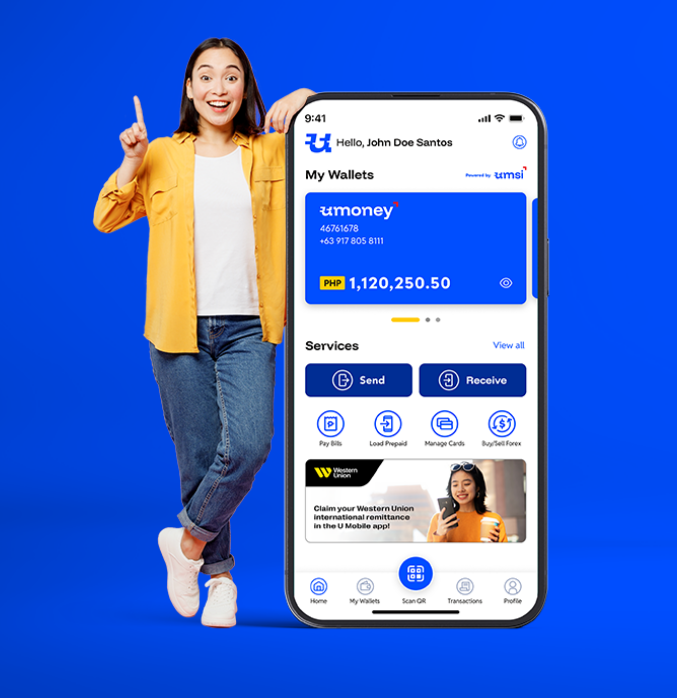
All your money services needs Anytime, anywhere.

Receiving and sending remittances, making payments, managing your balances, and more U Money services are just a few clicks away with the U Money App.

  • Easy to use

  • Simple login and registration

  • Fast and secure transactions

Download today!

Get it on Google PlayDownload on the App StoreExplore it on AppGallery

What can you do with the U Money App?

Send money abroad

Send money abroad

Exclusive partnership with Western Union for sending international remittances online

LEARN MORE
Receive international remittances

Receive international remittances

Claim remittances sent to you in PHP or USD through our partners, deposited straight to your e-wallet

LEARN MORE
Send and receive local money transfers

Send and receive local money transfers

Send and receive remittances through U Cash Padala, and send money to bank accounts and e-wallets

LEARN MORE
Convert and manage PHP/USD

Convert and manage PHP/USD

Receive remittances in USD, buy and sell USD at great rates and manage your PHP and USD e-wallets

LEARN MORE
Pay QRph

Pay QRph

Pay cashless from your e-wallet with QRph,

LEARN MORE
Pay bills

Pay bills

Make timely and secure payments for utilities, government, tuition, real estate, and more

LEARN MORE
[object Object]

Manage U Money cash cards

Monitor your balance and transactions, change PIN, or block card access

LEARN MORE
Get insured

Get insured

Avail our range of budget insurance plans and track and manage your coverage

LEARN MORE

Other U Money App features:

  • U Money branch locator
  • Transaction history
    (including U Money cash cards)
  • 24/7 Customer Support
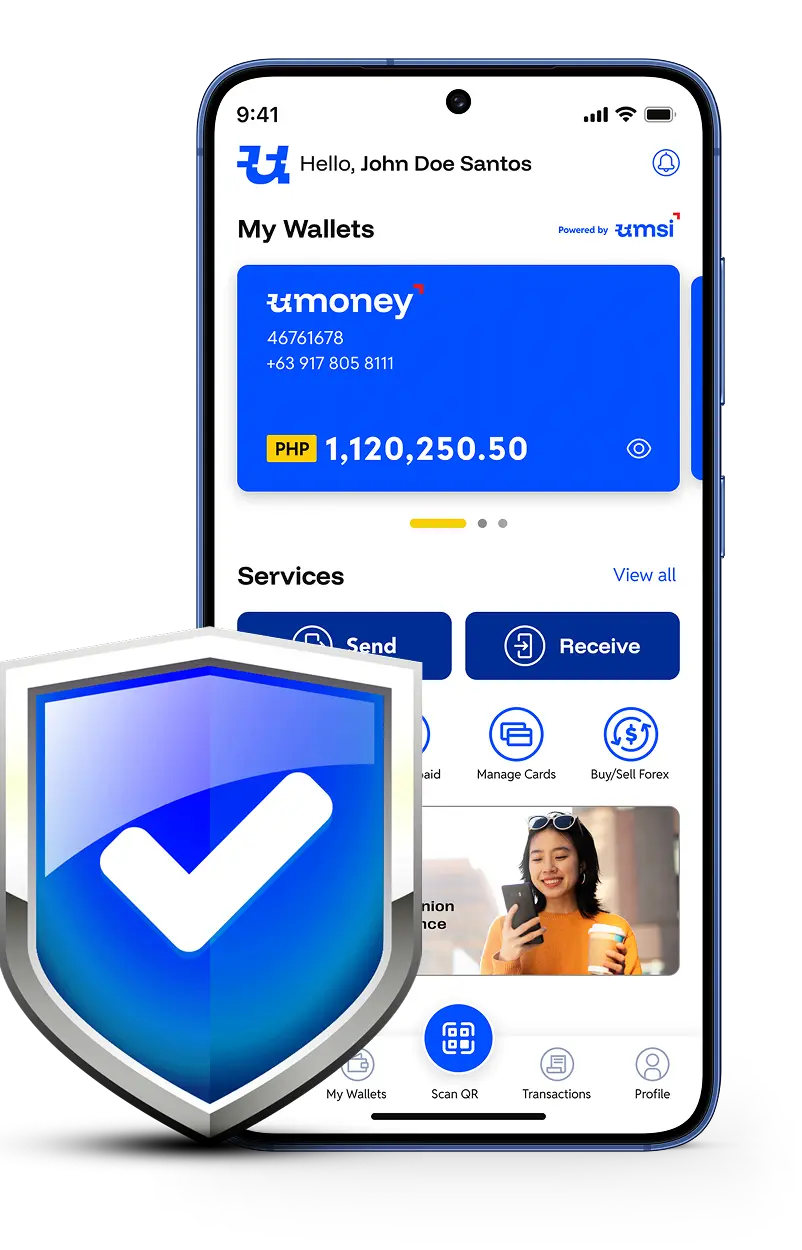
Shield protecting a phone — U Money App transaction protection

Protect your transactionsfrom scams—and more!

Get insured when you pay bills, load, send or receive money, and more for as low as P5—only in the U Money app. Just turn on protection by clicking Get Protected before you complete your transaction. It's that easy!

How to create a new account in the U Money App

Father and child using mobile app
  1. 1 .
    Download the U Money App.
  2. 2 .
    In the login screen, click "Create an account".
  3. 3 .
    If you already have a U Money account, click “Yes.” You will need to
    enter your U Money account number or the card number of any USSC-issued cash card in the next step.
    If you are a new customer, click “No.” This will take you to the next step.
  4. 4 .
    Read the Terms and Conditions. Click "Agree and continue" to proceed.
  5. 5 .
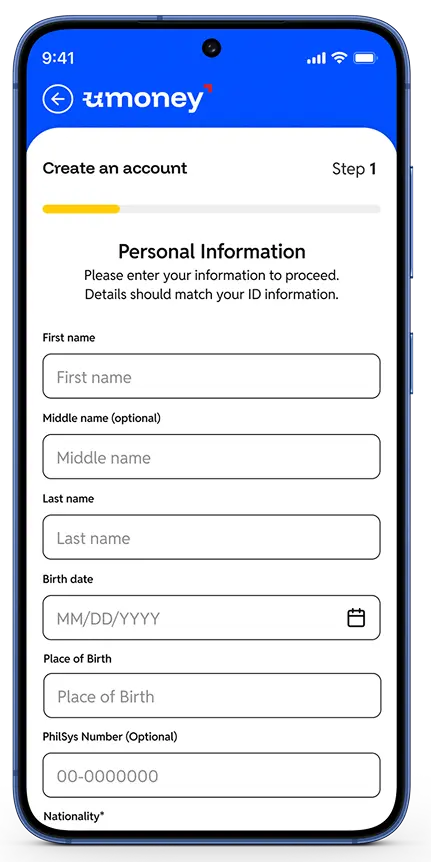
    In the following steps, you will need to fill in the following in
    the fields indicated:
    a. Personal Information
    b. Address and Contact Information
  6. 6 .
    Upload an image of your signature. The image should be black on white and as clear as possible. Check the image you uploaded, and click "Next."
    Protip: You can use a drawing app on your mobile phone to
    save your signature as an image file.
  7. 7 .
    Enter the One-time Password (OTP) sent to your mobile number. If you did not receive it, you can click Resend code, or choose to receive your OTP on your nominated email address. Click "Next."
  8. 8 .
    Set your 4-digit MPIN. You will use this to login to your account.
  9. 9 .
    After successful registration, you can now login to your account using your MPIN. You can also enable Biometrics under Account Settings after logging in for extra convenience.

NOTE: Minors can also create a U Money App account through a different process that includes their guardian's identification details and consent. After completing the process, the minor account owner is considered fully verified and will not need to perform the succeeding steps below.

Unlock full access by verifying your account!

  • 1 .
    Login to your U Money App accountusing your MPIN or biometrics.
  • 2 .
    On your dashboard, you can see a notice while you are not fully verified. Click "Verifynow."
  • 3 .

    Prepare one (1) primary ID or two (2) secondary IDs.

  • 4 .
    Read the Terms and Conditions. Click "Agree and continue" to proceed.
  • 5 .
    Choose if you want to Verify your identity via SMS or email. An OTP will be sent to your nominated mobile number or email. If you did not receive the OTP, you can click "Resend code."
  • 6 .
    Enter the 6-digit OTP. Once successful, click "Next."
Person using mobile app
Mobile app interface
  • 7 .
    Choose if you are providing (1) primary ID or two (2) secondary IDs.
  • 8 .
    Enter your ID details and upload and image of your ID/s. You can check if you uploaded the correct image; if you wish to change it, click "Upload a different ID." When you're done, click "Next."
  • 9 .
    Take a selfie. Follow the instructions on screen; you may retake your picture by pressing "Retake." Once you are satisfied with your selfie, click "Next."
  • 10 .
    Enter your Work Information. Click "Next."
  • 11 .
    Review all the details and files you have provided. If you want to change anything, you can click “Edit.” Once everything is correct, click “Submit.”
  • 12 .
    Read the Terms and Conditions. Click "Agree and continue" to proceed.
  • 13 .
    Verification of your account will take up to 24 hours. Once approved, you will have full access to all money services in the U Money App.

Download the U Money App today!

Get it on Google PlayDownload on the App StoreExplore it on AppGallery